Test Segmentation Rules
Test whether the rules contained in an SRX file can be used to segment text as expected or not.
Procedure
- Select or click the
 button from the toolbar.The following dialog appears: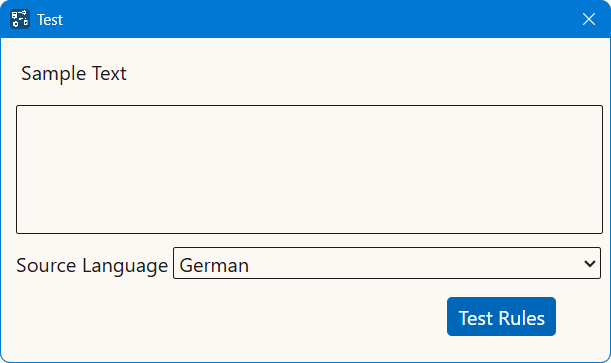
- In the Sample Text box, type or paste text to segment.
- Select the language of the sample text in the Source Language drop-down list.
- Click the Test Rules button.
Results
An HTML table with the sample text segmented according to the specified rules set
is
displayed in a new window.
‣ Parent topic: Common Tasks