Get Auto-Translations
Follow these steps to apply Auto-Translation to an individual segment.
About this task
Make sure that a Memory and a Glossary are selected in the corresponding drop-downs
of the
top toolbar.
Procedure
- Select ([Ctrl+R] on Windows/Linux,
[Cmd+R] on macOS) from the main menu or click the
 button on the Machine Translation panel.
Results
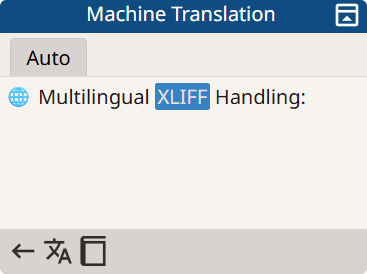
On success, a match is added to the Machine Translation panel and
fixed differences are highlighted like in this example:
‣ Parent topic: Auto-Translation