Add Glossary
Follow these steps to create a Glossary for storing your terminology data
Procedure
- Select from the main menu or click the
 button on the toolbar of the Glossaries tab.The Add Glossary dialog appears: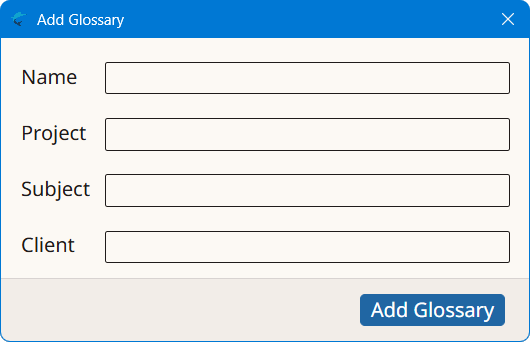
- Type a descriptive name for the new glossary in the Name text box.
- Optionally, enter a project description for the new glossary in the Project box, or select an existing value from the drop-down list.
- Optionally, enter a subject description for the new glossary in the Subject box, or select an existing value from the drop-down list.
- Optionally, enter a client name for the new glossary in the Client box, or select an existing value from the drop-down list.
- Click the Add Glossary button to create a new glossary.
‣ Parent topic: Glossaries