View Segment Notes
About this task
Segments may include notes containing relevant information for consideration at
translation time. These notes are optional and translators may add, edit or remove
them as needed.
Procedure
- Select ([F2]) or click the the
 button on the translation tab top toolbar. The Notes dialog appears: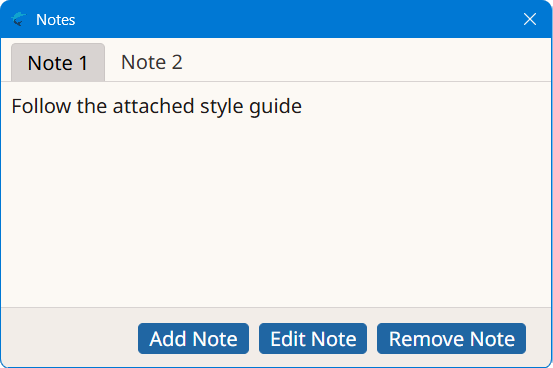
- Use the buttons at the bottom of the Notes dialog to add, edit or remove notes.
‣ Parent topic: Common Tasks