Change Source Language
Follow the steps to change the source language of a TMX file.
About this task
Some Translation Memory
systems use bilingual TMX files and translate in only one direction.
Use this option to select the source
language of your TMX file for systems that cannot translate in any
direction.
Procedure
- Open the TMX file that you want to modify.
- In main menu, select option.The following dialog appears:
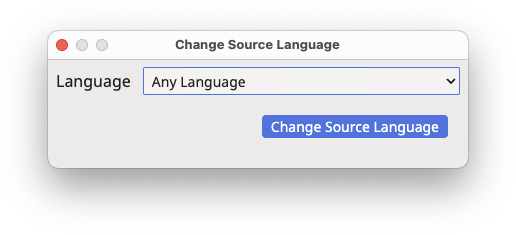
- Use the Language drop-down box to select the new source
language.The Language drop-down control includes Any Language as first entry. Use this option to indicate that the file can be used in any direction.
- Click the Change Source Language button.
‣ Parent topic: Maintenance Tasks