Check for Updates
Follow these steps to check if a new version of TMXEditor is available.
About this task
TMXEditor checks for new versions automatically when the application starts. You
can also check for updates manually at any time.
Procedure
- In main menu, select .If a new version is available, the following dialog appears:
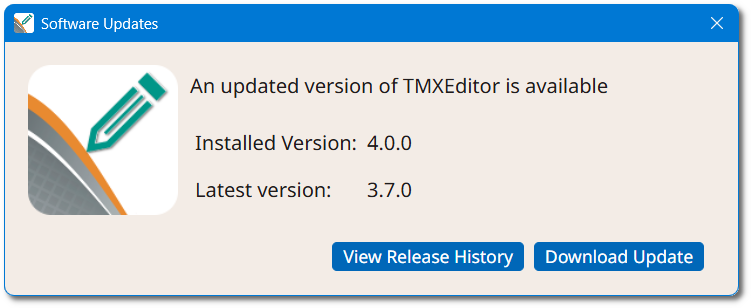
- Click the View Release History button to review what changed in the new version, or click the Download Update button to download it.