Set File Level Metadata
The
<header> element of a TMX document stores information about the
file in three containers:- Attributes
- Properties
- Notes
To edit the metadata of the currently open TMX file, select from the main menu or click on the  File Properties button
on the top toolbar.
File Properties button
on the top toolbar.
File Properties button
on the top toolbar.The following dialog appears:
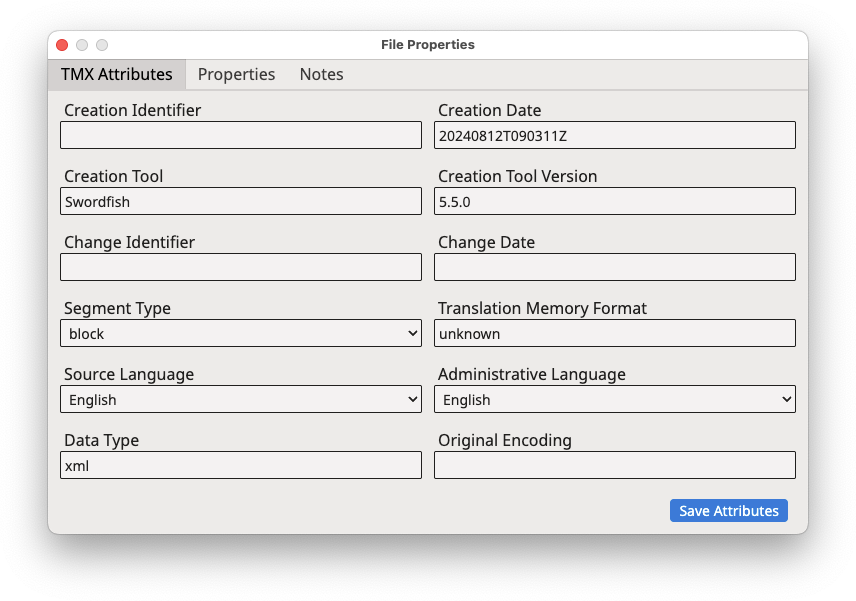
File Level Attributes
To change the file-level attributes of the TMX file, adjust the text displayed in
the
text boxes, select the appropriate values from the drop-down selectors, and then
click the Save Attributes button.
File Level Properties
To edit file-level properties, click on the Properties tab of
the File Properties dialog. The dialog displays this
view:
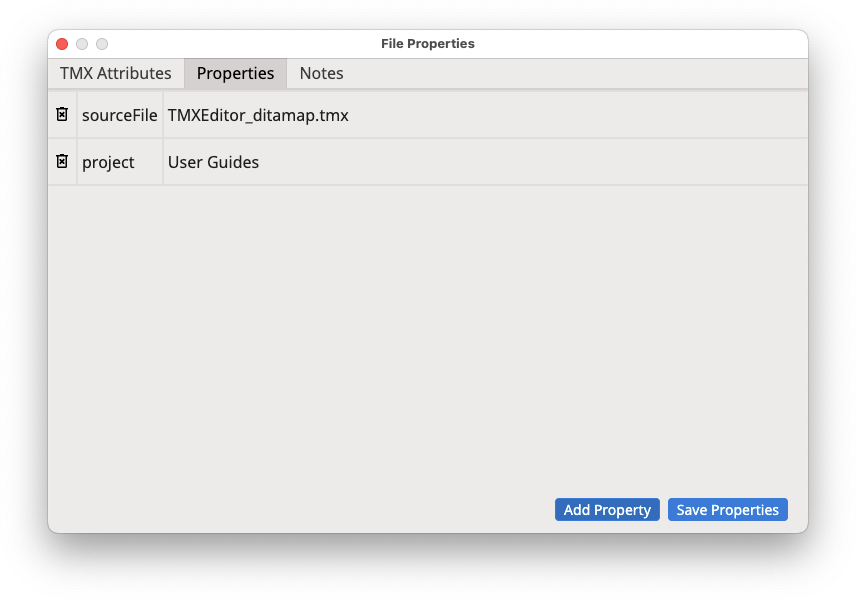
- Click the Add Property button to open a dialog for entering the type and value of the new property to be added.
- If you want to remove properties from the list, click the corresponding
Remove Property buttons (
 ) on the leftmost column.
 - Click the Save Properties button to save your changes.
File Level Notes
To edit file-level notes, click on the Notes tab of the
File Properties dialog. The dialog displays this
view:
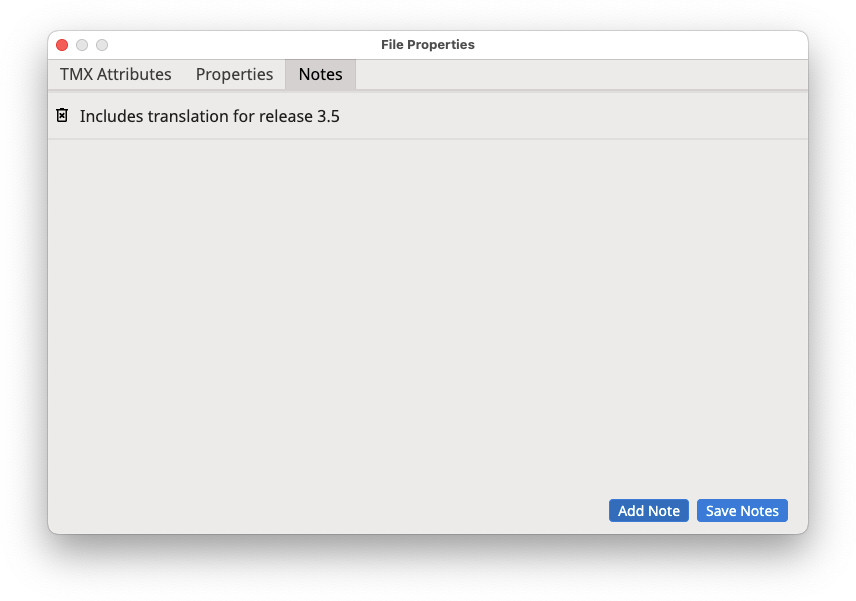
- Click the Add Note button to open a dialog for entering the text of the new note to be added.
- If you want to remove notes from the list, click the corresponding
Remove Note buttons () on the leftmost column.
- Click the Save Notes button to save your changes.
‣ Parent topic: Maintenance Tasks