Check for Updates
Follow these steps to check whether a newer version of Anchovy is available.
About this task
Anchovy checks for updates automatically and silently every time it starts. If a newer
version is available, the Software Updates dialog is shown.
Updates can also be checked manually at any time.
Procedure
- Select from the main menu.If an update is available, the Software Updates dialog shows the installed version and the latest version:
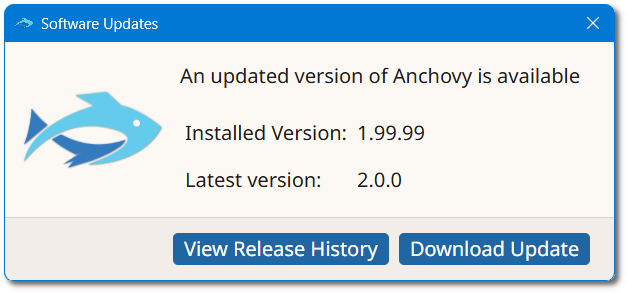
- Click View Release History to see the list of changes, or Download Update to download the new version.