Convert TBX File to GlossML Format
Follow these steps to convert a TBX file to a GlossML glossary.
About this task
Procedure
- Select from the main menu.The Convert TBX to GlossML dialog is displayed:
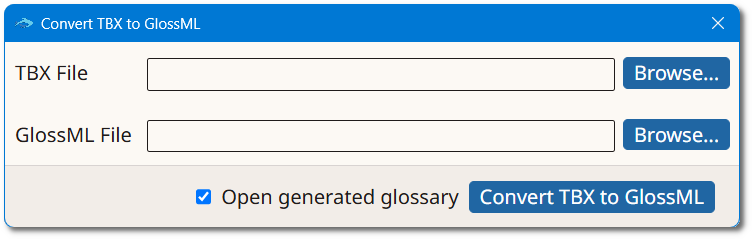
- Type the name of the TBX file in the TBX File box or click the Browse... button next to it to select an existing TBX file from the file system.
- Type the name of the glossary to create in the GlossML File box or click the Browse... button next to it to select a name and location.
- Optionally, select the Open generated glossary checkbox to open the new glossary in Anchovy after conversion.
- Click the Convert TBX to GlossML button.
Results
A new glossary is created and stored in the selected location.