XML Catalog Dialog
The application includes an XML catalog with DTDs and XML Schemas for DITA and related
document types.
A custom XML catalog can be selected for parsing custom DITA files if needed.
Select XML Catalog in Settings menu or
click the  XML Catalog button on the toolbar to change the default catalog used
by KeysAnalyzer. On Mac OS X you can also select Preferences in
Apple menu.
XML Catalog button on the toolbar to change the default catalog used
by KeysAnalyzer. On Mac OS X you can also select Preferences in
Apple menu.
XML Catalog button on the toolbar to change the default catalog used
by KeysAnalyzer. On Mac OS X you can also select Preferences in
Apple menu.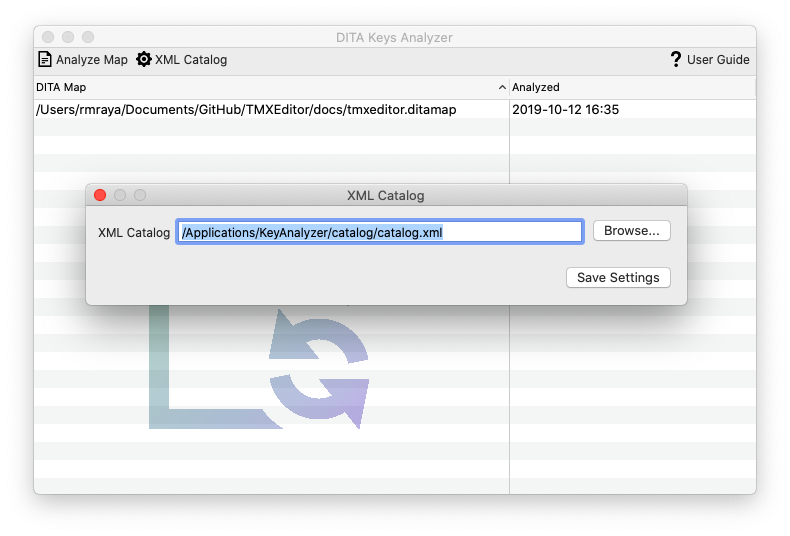
Use the Browse... button to select a different catalog from the
file system. Click the Save Settings button to store and activate
your preferences.