Add Note
Follow these steps to add a note to a segment.
Procedure
- On the Notes dialog, click the Add
Note button.The Add Note dialog appears:
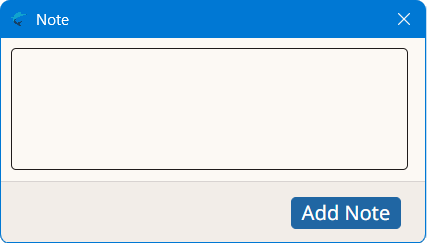
- Type the note text in the center text box.
- Click the Add Note button.
Follow these steps to add a note to a segment.