View Context Information
Follow these instructions to display context information when available.
About this task
Some file formats, like PO (Portable Objects), XLIFF 1.2 or SDLXLIFF files, may
include context information that is useful at translation time.
When a segment has context information, this icon is displayed in the center column
of the translation panel:  .
.
.Procedure
- Select a segment that contains context information.
- Select ([Alt+F3] on Windows/Linux, [Option+F3] on macOS) from the main
menu or click the
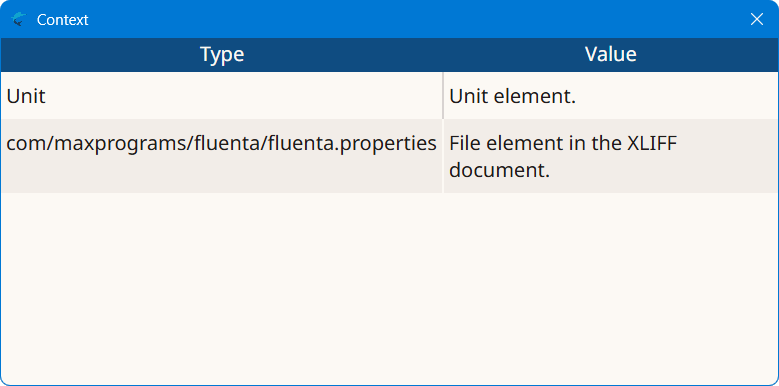
 button on the translation tab top toolbar.The Context dialog appears: