Generate Word Counts and Segment Statistics
About this task
XLIFF Manager lets you produce an HTML file with word counts and segment status
statistics from an XLIFF document.
Procedure
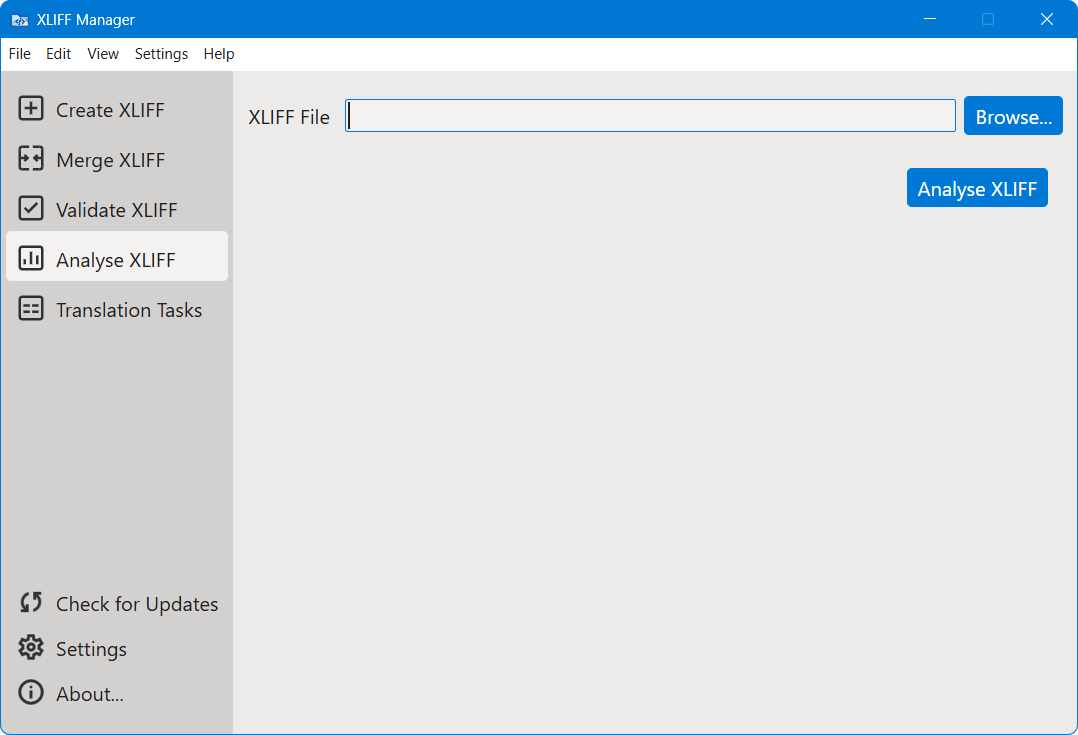
- In main menu, select or click the
 Analyse XLIFF option on the left
panel.
Analyse XLIFF option on the left
panel. - Type the name and location of the XLIFF file to analyse in the XLIFF File text box or click the Browse... button to select an XLIFF file from the file system.
- Click the Analyse XLIFF button.XLIFF Manager generates an HTML report in the folder where the XLIFF file is located and its name is the name of the XLIFF plus
.log.html.