The Main Window
The main window shows the open glossary as a table, with a toolbar for the most common commands.
The following picture portrays Anchovy:
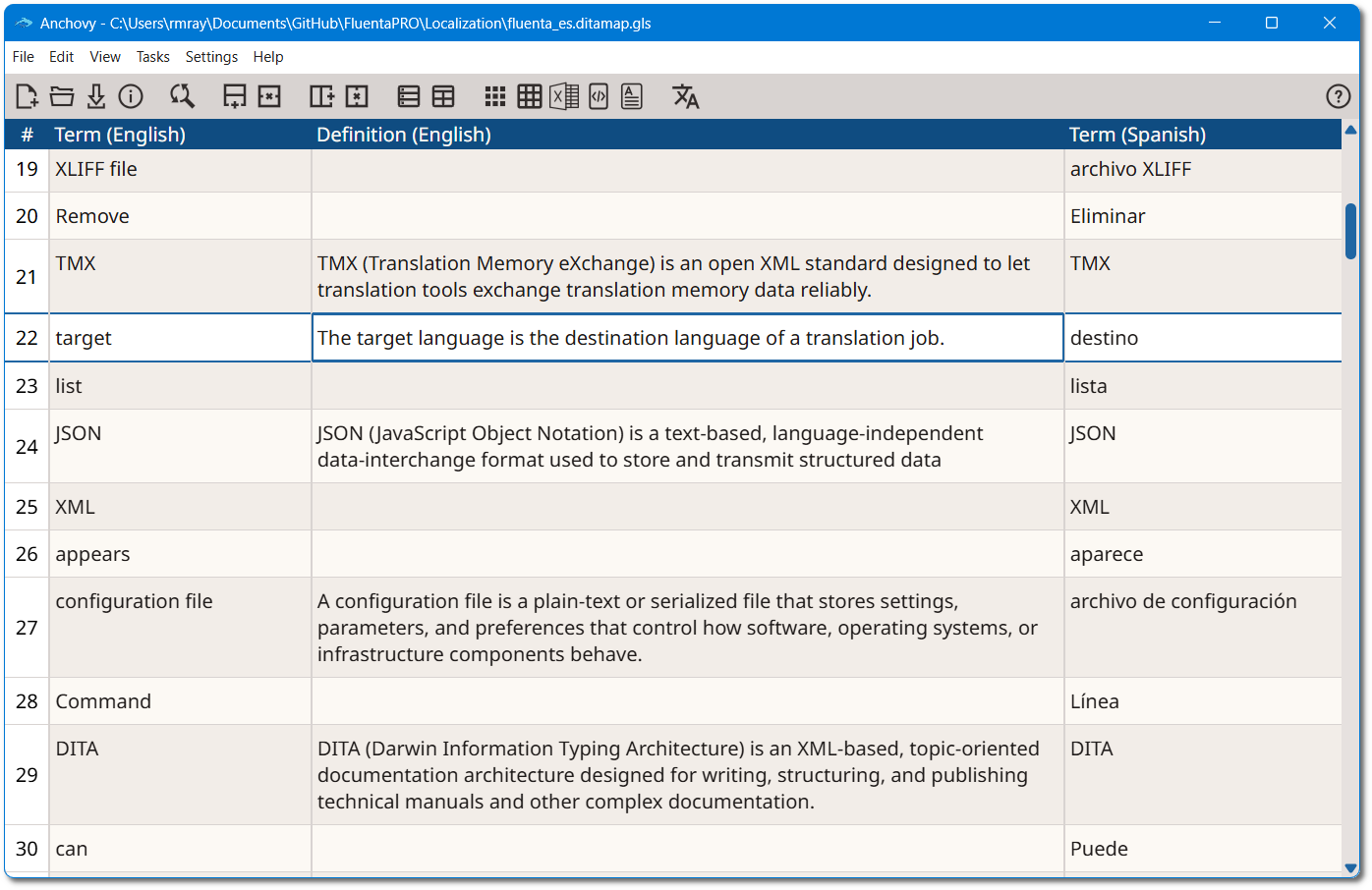
Glossary Table
The glossary is displayed as a table that fills most of the window. Each row holds
one
glossary entry. Columns can be of three types:
- Comment
- Holds comments about the entry. When present, it is the first column on the left.
- Term
- Holds terms in an associated language.
- Definition
- Holds the definition of the associated term in a language.
Anchovy arranges the columns automatically:
- When the glossary has comments, the comment column is shown first, on the left.
- The term and definition columns of the same language are shown together, with the term column followed by its definition column.
- Languages are ordered by their language code, so
enis shown beforefr.
Toolbar
The toolbar at the top of the window gives one-click access to the most common
commands:
 New Glossary,
 Open Glossary,
 Save Glossary and
  Glossary Properties.
 Search and Replace,
 Add Row,
  Delete Row,
  Add Column and
  Delete Column. See Edit an
Existing Glossary.
Delete Column. See Edit an
Existing Glossary. Term Extraction and
  Bilingual Term
Extraction.
Bilingual Term
Extraction.- Export the glossary as
 HTML,
HTML,  TMX,
TMX,  TBX,
TBX,  CSV or
  Excel.
  Change Language and
  Anchovy User Guide.